PIANUT IPTV · ANDROID & WINDOWS
Your player.
Up to date.
A clear home for your live TV, films and series. Download the latest PiaNut IPTV build for your phone, tablet, TV box or Windows PC.
Connect your own M3U or Xtream source. Channels and subscriptions are not included.
PiaNut IPTV for Windows
Released
Windows checksum & licences
SHA256
19166739f1547dd919891fba05a3c214479b7bc349e52e8912f1a7285c05f3e4The ZIP includes third-party licences and native player source references. This build is not digitally signed.
WINDOWS · GET STARTED
Same panels. On your PC.
- 1
Download and extract
Extract the complete ZIP into a folder. Keep the EXE, DLL files and data folder together.
- 2
Open PiaNut-IPTV.exe
No administrator access is required. Use your mouse, Tab, arrow keys and Enter; Escape hides playback controls before leaving the player.
- 3
Add your source
Add your M3U file, M3U URL or Xtream account in Sources. Your library, favorites and preferences are saved for this Windows user.
Includes software decoding, audio/subtitle controls and recording. Streams with backward timestamp jumps may end a recording early; captured data is retained.
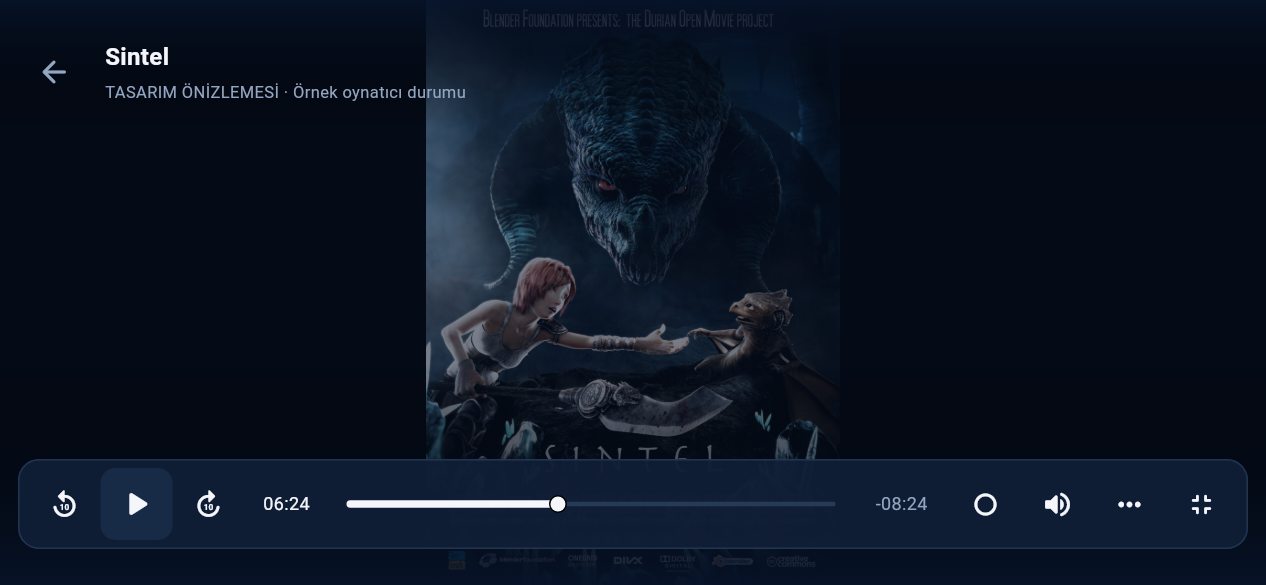
Made for the remote
Vertical categories, clear focus and a layout that gives your content room.
Pick up where you left off
Resume films and episodes, choose audio and subtitles, and adjust the picture.
Updates in the app
Open Settings → Update to check for a newer build and download it from Emirela.
RELEASE NOTES
What’s new
- Android playback now defaults to the native Media3 player with direct SurfaceView video output.
- MPV remains available from Player / Recording for compatibility and recording.
- Improved HLS and redirected MKV handling, decoder fallback and playback resume.
- Includes remote timeline seeking, two-step Back, audio and subtitle controls, and readable bottom captions.
Release files & verification
SHA256
8dc1d311f5e2ea4ca4870607cd64563940630ce9a94ef0715f0e7fcd94f09abcThe native source archive includes the corresponding media libraries, patches, licences and build instructions.
GET STARTED
Three simple steps
- 1
Download
Save the APK to your Android device.
- 2
Open and install
Open the file and follow Android’s installation prompts. For an update, keep your existing installation.
- 3
Add your source
Enter your M3U link or Xtream server details. Existing sources stay on the device when you update.
LATEST VERSION
Current release
Only the latest build is available.
| Version | Released | Size | Download |
|---|---|---|---|
| 0.3.7-preview | 2026-10-26 | 98.5 MB | APK ↓ |
Install this build over your existing app to keep your sources and preferences.